

I2P+ Screenshots
Explore the enhanced user interface and features of I2P+ through these screenshots showcasing the various themes and improvements. Click a thumbnail to view the full image.
Console Interface
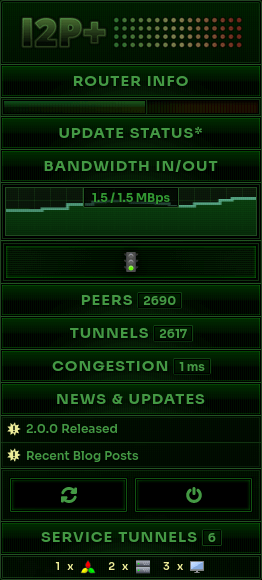
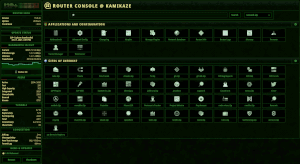
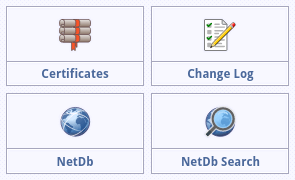
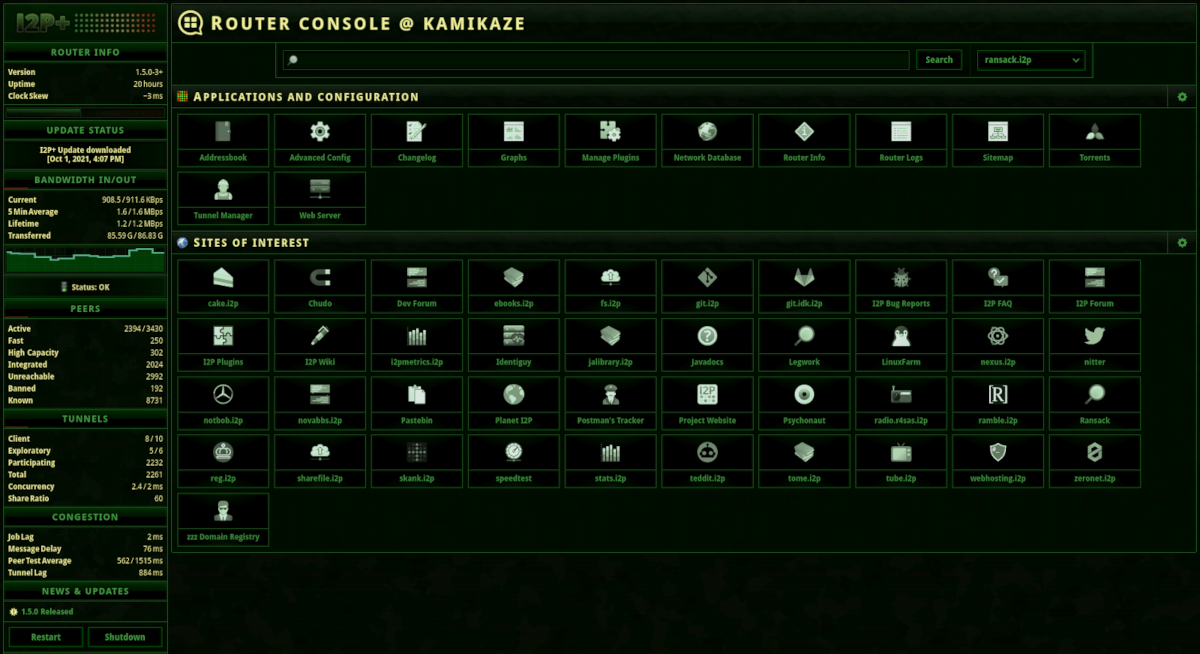
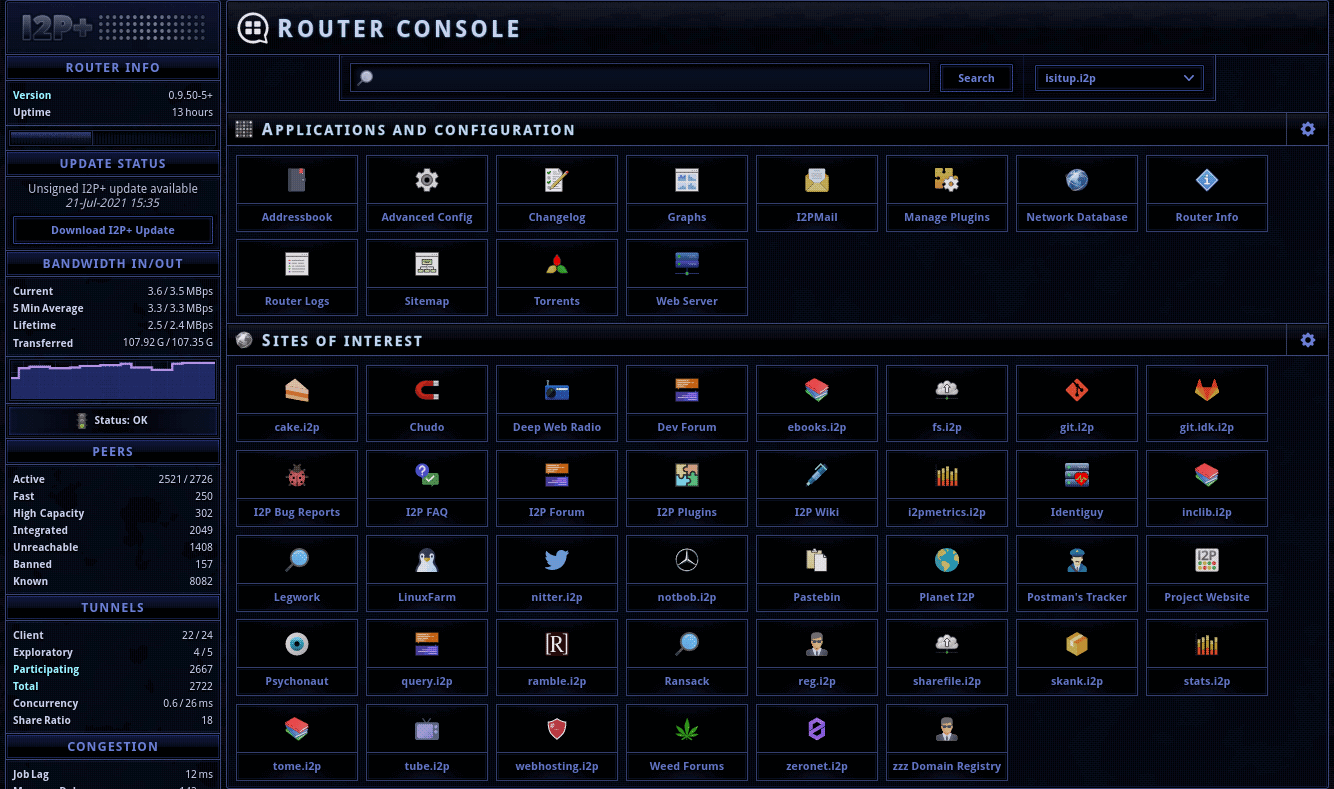
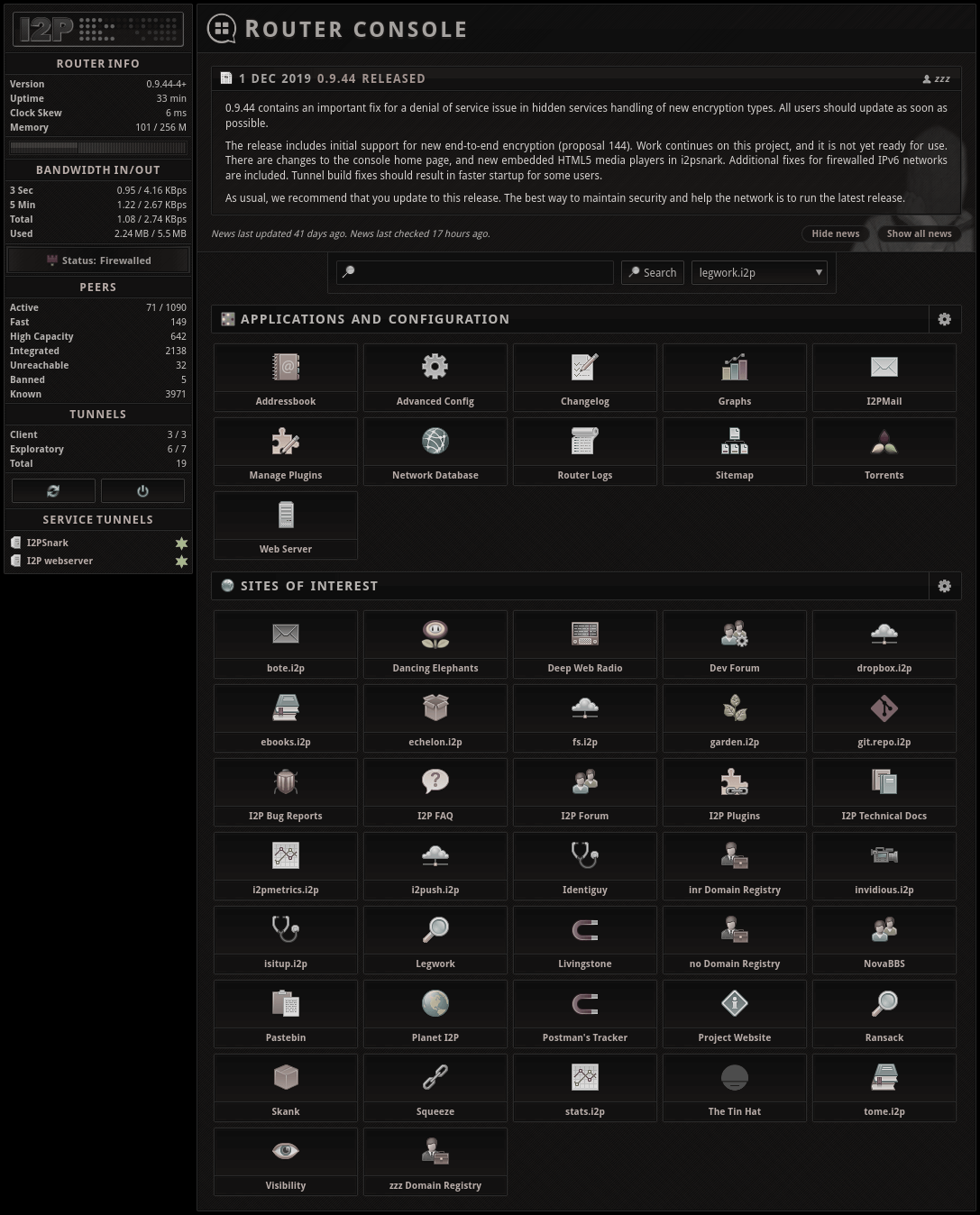
The main console interface features collapsible sidebar sections for better organization and multiple theme options to suit your preferences.
Theme Variations
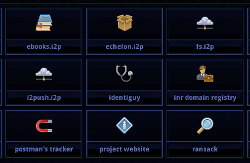
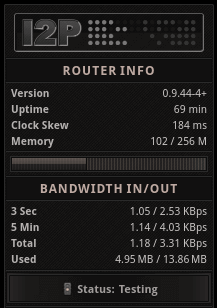
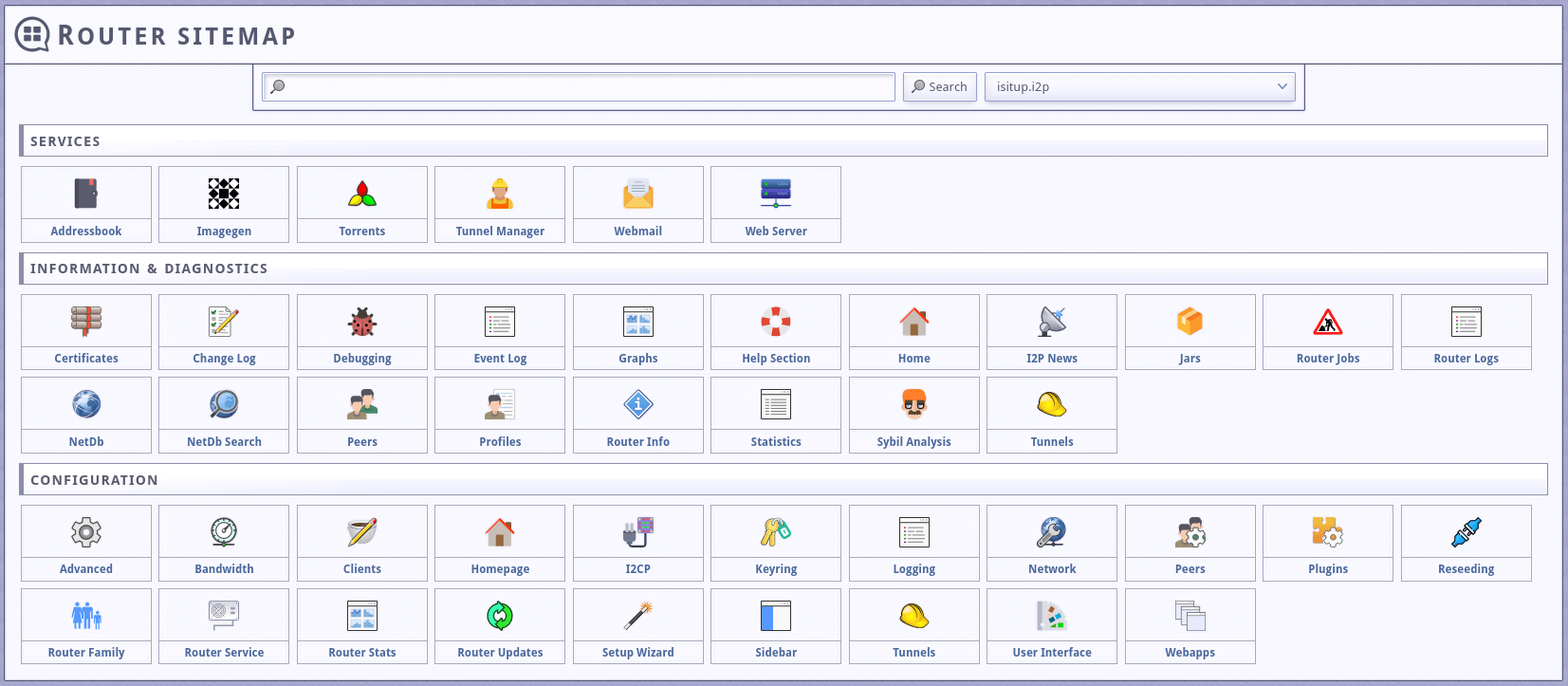
I2P+ includes multiple theme options including Dark, Light, OceanBlue, and Charcoal themes. Custom override.css files can be applied for further personalization.
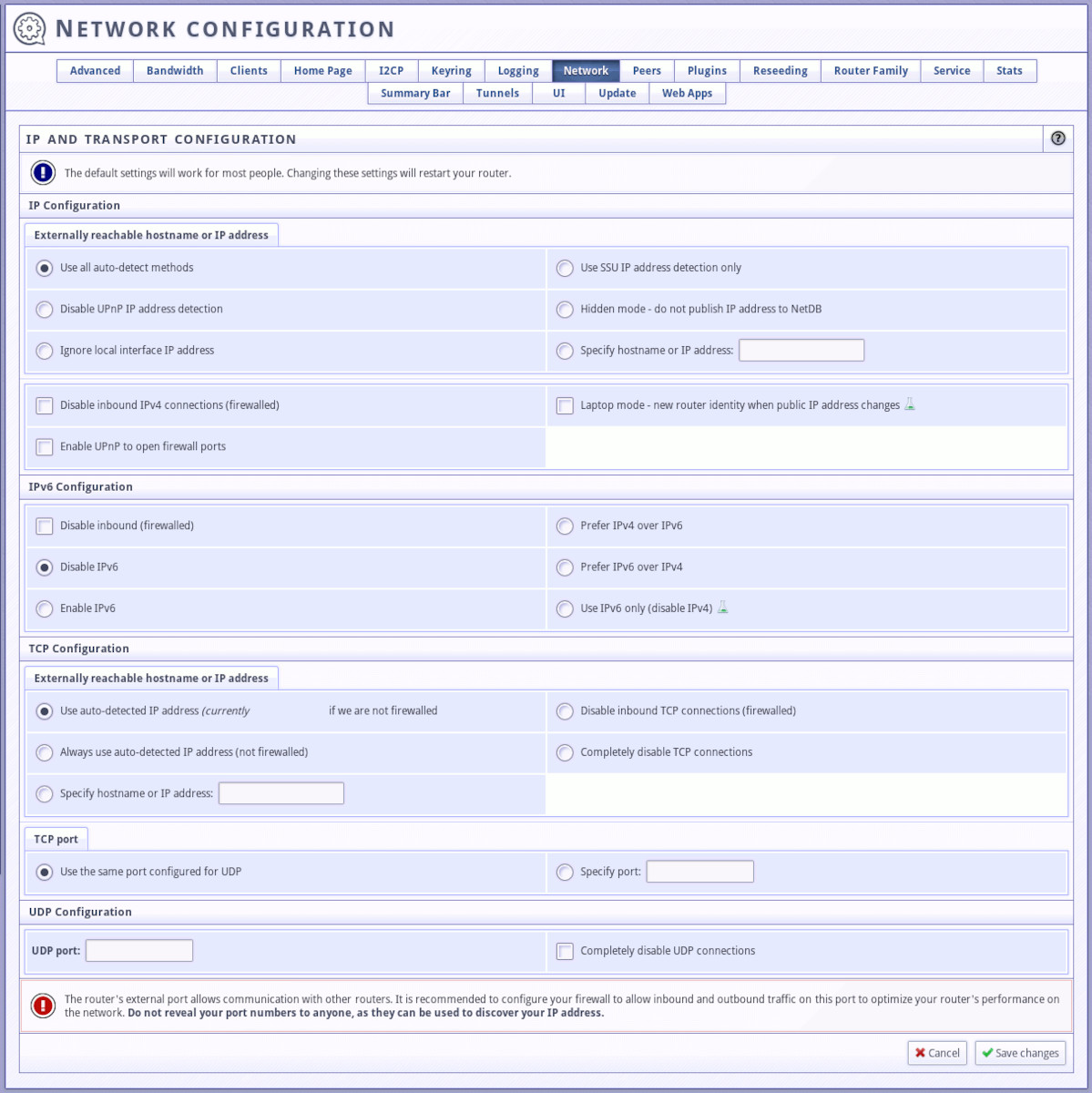
Network Configuration
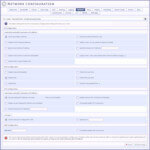
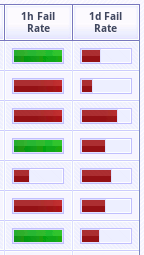
Enhanced network configuration interface with visual indicators for peer performance and advanced settings for power users.
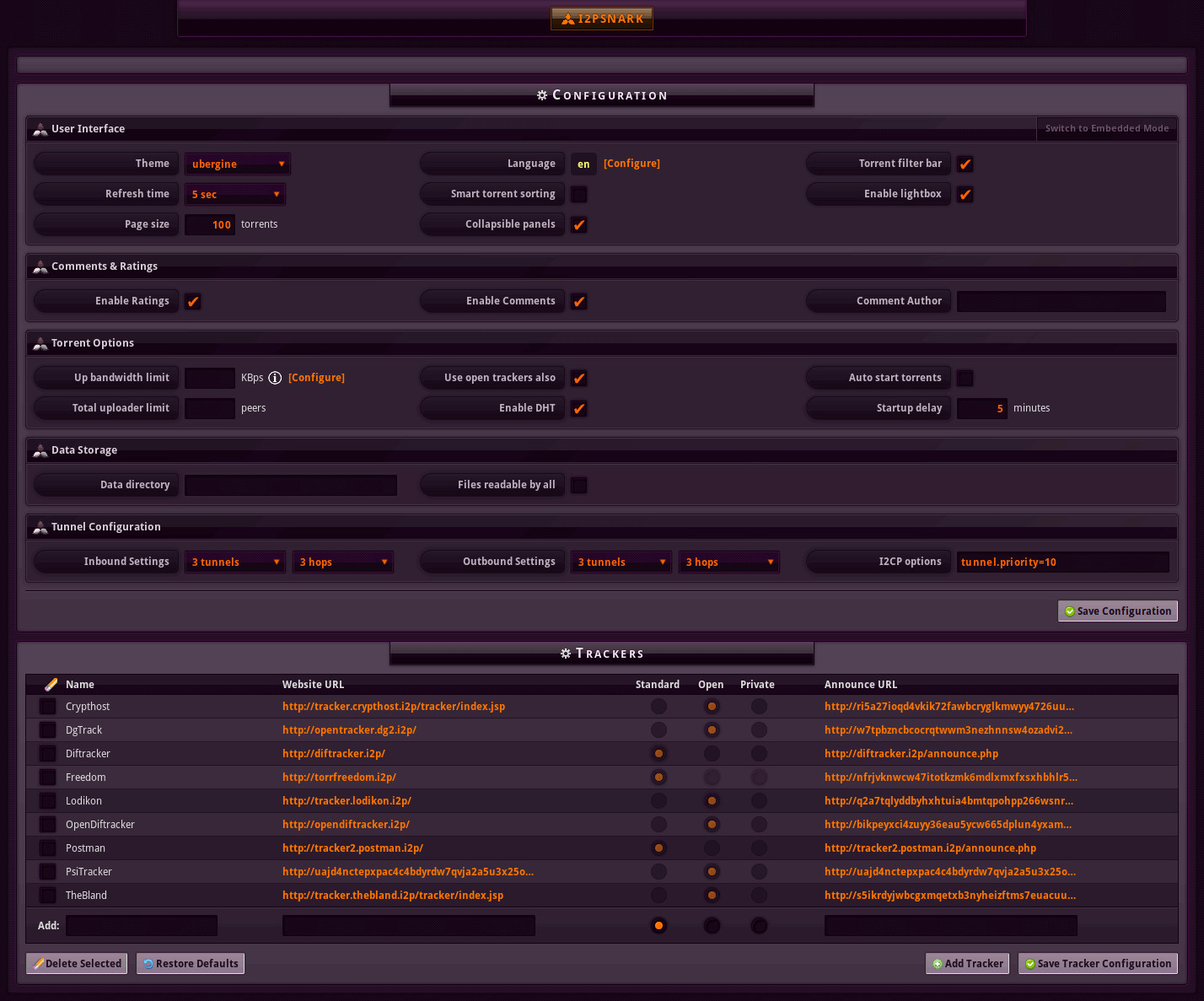
I2PSnark Enhancements
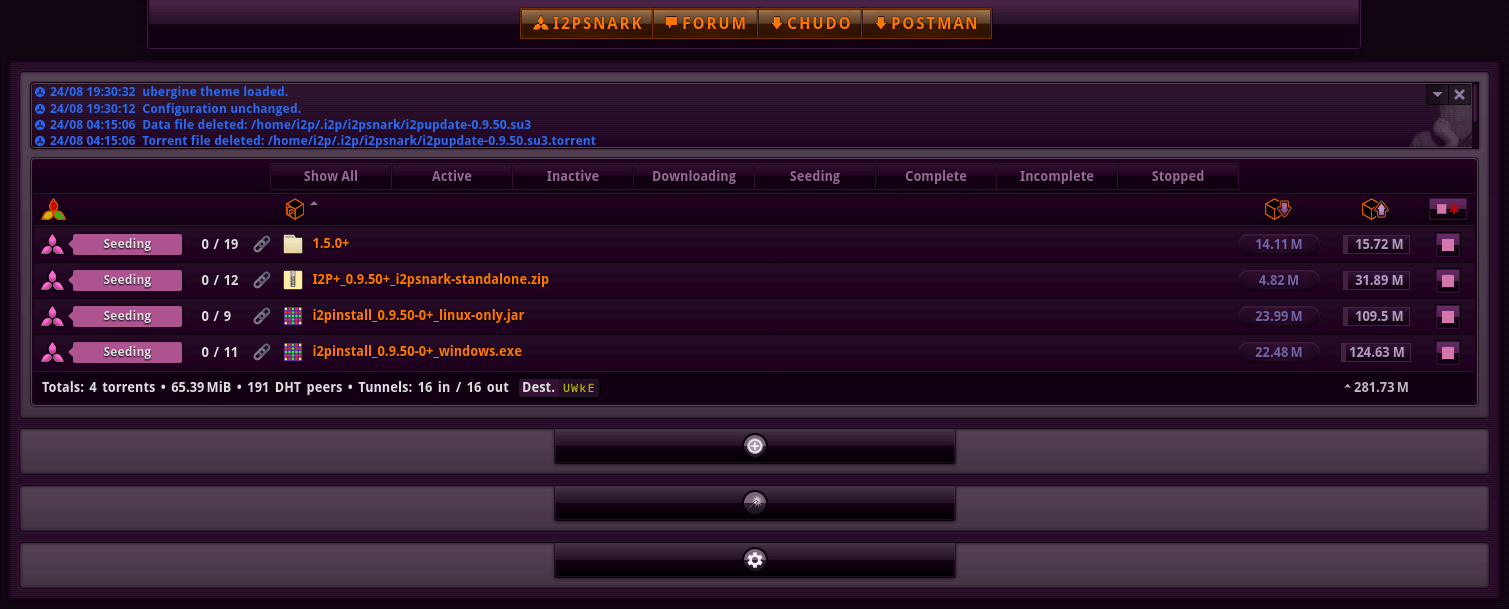
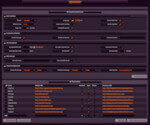
The built-in BitTorrent client I2PSnark receives visual and functional enhancements for better torrent management experience.
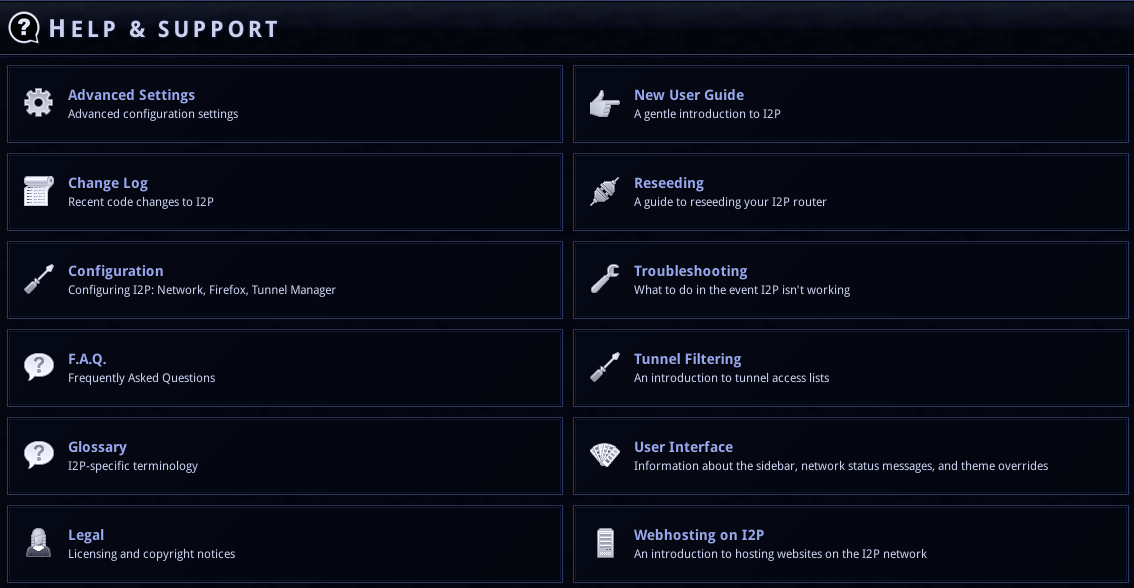
Help and Documentation
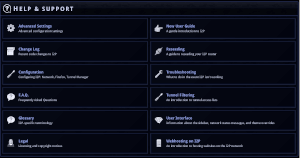
Integrated help section provides easy access to documentation and support resources directly within the console interface.